
The Archived Online Mii Maker
An earlier browser Mii maker, kept here as a working copy — and taken apart, so you can see what it is made of rather than take our word for it.
Run it
The archived copy is live below. It is a 15.7 MB download that has to arrive in full before anything appears, so give it a moment — and use a browser with WebGL enabled.
What it actually is
Opening the file in a text editor answers most questions immediately. This is not a hand-written web application. It is a Scratch project — made in the block-based programming environment from MIT — that has been run through the TurboWarp Packager to produce a single standalone HTML document. The packager bundles the Scratch virtual machine, its WebGL renderer, the fonts, and every costume and sound the project uses into one file.
That is a genuinely clever way to publish a Scratch project outside Scratch, and it explains the file's behaviour precisely. Nothing is fetched from another server, which is why the copy archived here runs with the network switched off. It is also why the file is the size it is.
Where the 15.7 MB goes
Measured from the file, not estimated.
| Part | What it is | Size | Share |
|---|---|---|---|
| Project data | 169 encoded script chunks | 13.17 MiB | 87.97% |
| Scratch VM + renderer | the packaged runtime | 1.32 MiB | 8.81% |
| Fonts | 3 WOFF2 files, embedded whole | 0.44 MiB | 2.92% |
| Other | 21 inline images, HTML shell, CSS | 0.04 MiB | 0.29% |
| Total | one HTML document | 14.97 MiB | 100% |
online-mii-creator.html. Nearly nine tenths of the download is the Scratch project's own costumes and sounds.The project's own assets dominate everything else by an order of magnitude. The Scratch runtime — the VM, the renderer, the block implementations — is only about 1.3 MiB of the download; three embedded WOFF2 fonts add another 0.44 MiB. The actual HTML and CSS of the page shell is around 5 KB, which is to say nothing at all.
There is no way to trim this from the outside. The costumes are stored in the packager's own encoding across 169<script data="…"> chunks, and the project cannot start until they have all been decoded into memory.
What has to happen before you can use it
Packaged Scratch project
- 1Download 15.7 MB
- 2Decode 169 chunks
- 3Boot the Scratch VM
- 4Get a WebGL context
- 5Draw the first frame
- Usable
This site
- 1Download ~90 KB
- 2Page is already visible
- 3Hydrate the controls
- Usable
It needs WebGL, and says so
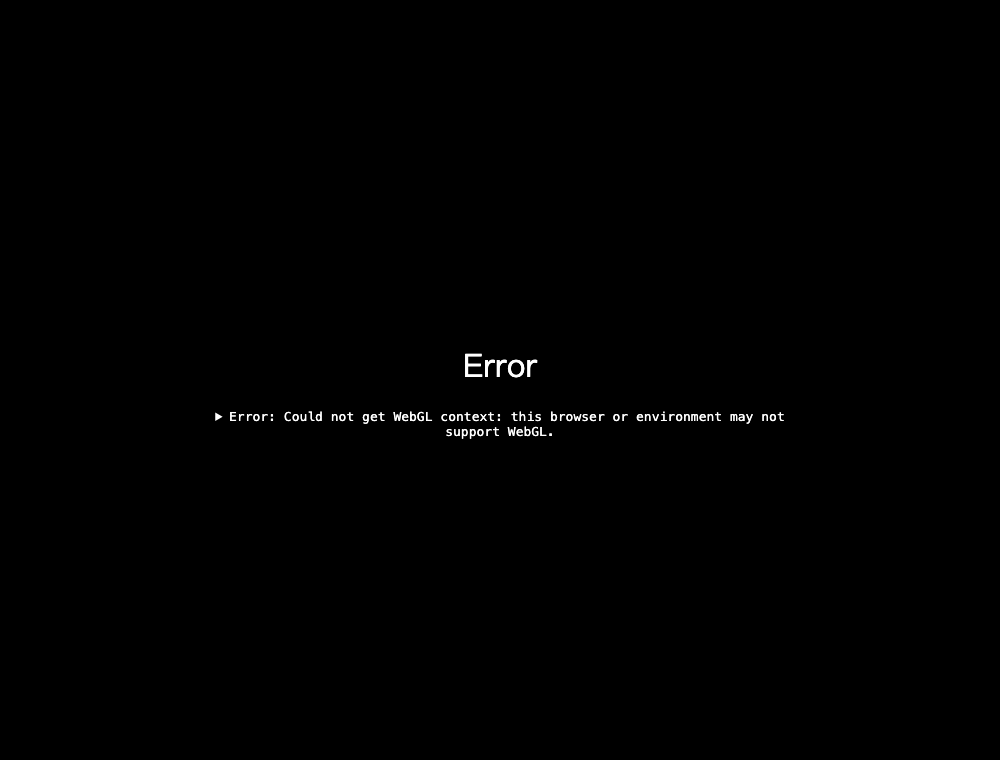
The Scratch renderer draws to a WebGL canvas, so a browser or device without a working WebGL context does not get a degraded version — it gets an error screen and stops. This is not a hypothetical: it is the first thing we saw when opening the archived copy in a headless browser, and the screenshot beside this text is that exact result.
In practice almost every current browser has WebGL, so this rarely bites. It does matter on locked-down machines, older hardware, some remote-desktop and virtual-machine setups, and anywhere a GPU blocklist is in force — school and library computers being the obvious case for a tool like this.
We could not capture the creator's own interface for this page, incidentally, because the software WebGL renderer available to a headless browser cannot drive the Scratch VM at any usable speed. Rather than fake a screenshot, we embedded the real thing above.
A fixed stage, not a page
Fixed 480 × 360 stage
Everything lives inside one canvas of fixed proportions. On a wider or narrower window the stage scales and the leftover space stays empty; the layout inside it cannot rearrange.
Vector, laid out by the browser
The same character drawn from the same vector paths at three sizes — no resampling, and the controls around it are ordinary page elements that reflow on a phone.
(stageWidth − 480) / 2.Because the whole interface is painted inside a canvas, it is one picture as far as the browser is concerned. There are no buttons in the document, no text to select or translate, nothing for a screen reader to announce, and no way for the layout to rearrange itself on a narrow phone — it can only scale down. Keyboard users get whatever the project's own block code implements, rather than the browser's built-in focus handling.
None of that is a criticism of the author. It is what building on a canvas costs, and Scratch is a canvas.
Side by side
Only the things that can be checked in the file itself. Everything else — which is nicer to use, whose parts look better — is above the embed for you to judge.
| Archived Online Mii Maker | This site | |
|---|---|---|
| Built with | A Scratch project, exported by the TurboWarp Packager | Astro and React, with a purpose-built SVG renderer |
| Delivered as | One 15.7 MB HTML file (11.5 MB compressed) | About 90 KB compressed for a first load |
| Drawing method | WebGL canvas running the Scratch VM | Live DOM SVG, resolution independent |
| Stage | Fixed 480 × 360, scaled to fit the window | Responsive layout, no fixed stage |
| Needs WebGL | Yes — it shows an error and stops without it | No |
| Interface | Everything painted inside one canvas element | Real buttons, labels, sliders and links |
What we took from it
The older tool gets the important thing right: it is genuinely free, it opens in a browser, and it asks nothing of you. Plenty of avatar sites clear that bar less well.
Where it runs out of road is everything that happens after you finish a character. A canvas has no way to hand you a scalable image, put a design inside a link, or describe the settings in a form you could follow somewhere else. The character exists inside the canvas, and that is where it stays.
So this site is built the other way round. A character is a small piece of versioned data first and a picture second — which is what makes share links, remixing and the recipe possible at all.
Every character here comes with its settings
Face shape, hairstyle number, eye rotation, spacing, every colour — written out, copyable, and reproducible by hand. That is the part an image alone can never give you.